10 Tips to Get More Accurate Speech-to-Text Results
Practical tips to improve your transcription quality, from audio setup to AI tool settings.
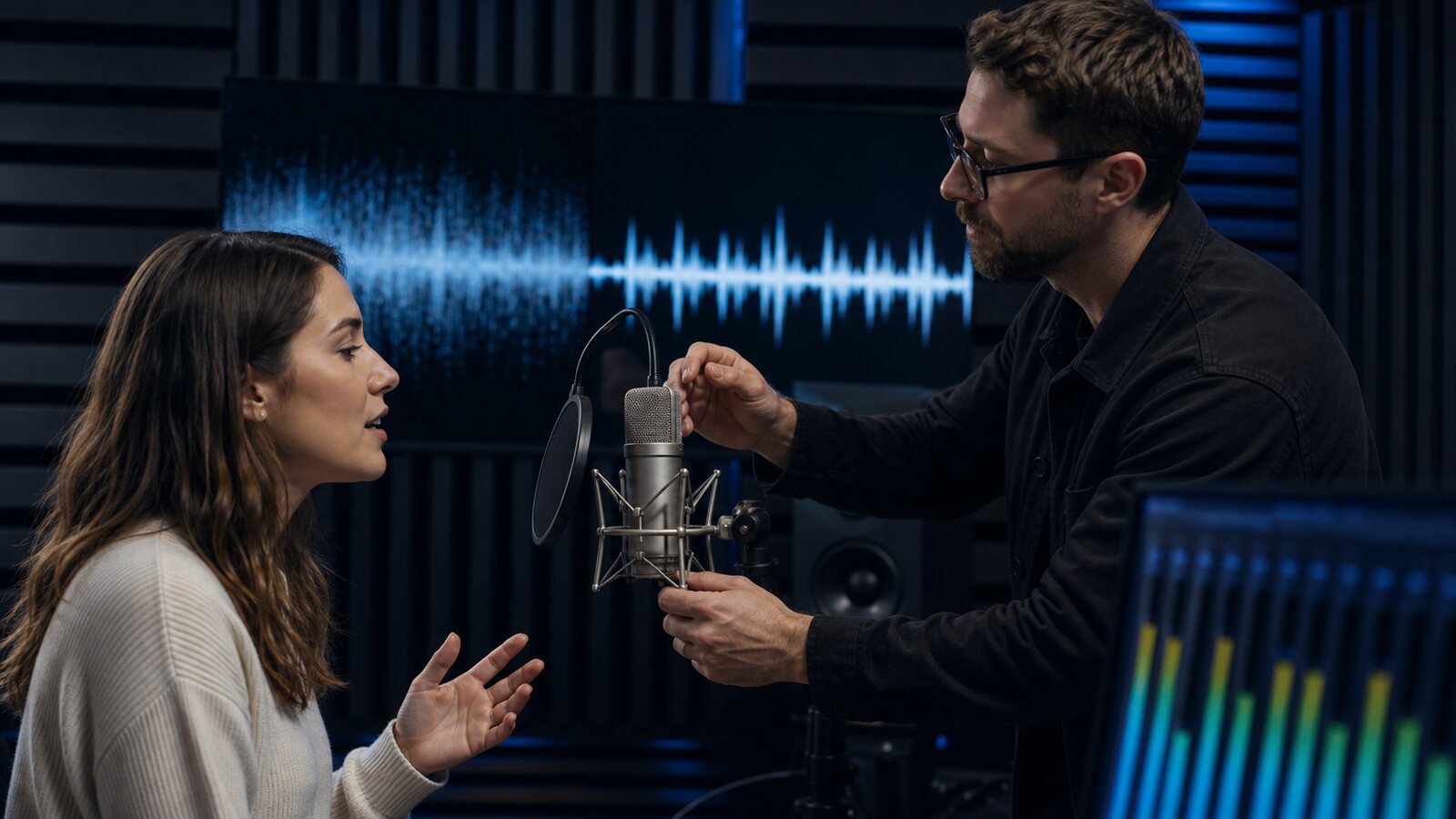
Why Does Speech-to-Text Accuracy Matter?
AI transcription quality depends heavily on the input. A clean, close-miked recording is generally easier to transcribe than noisy audio with distant or overlapping speakers. The difference between a usable first draft and one that requires heavy editing often comes down to recording choices you can improve before and during capture.
Here are ten practical tips to improve your speech-to-text accuracy, whether you are transcribing podcasts, meetings, interviews, or video content.
1. Choose and Test the Microphone
An external microphone is not automatically better than a built-in one. Its pattern, placement, gain, room, interface, and operator matter. Record a short sample with the equipment available, check speech level, noise, clipping, and dropouts, then keep the configuration that produces the clearest source.
2. Position Your Microphone Correctly
Follow the microphone manufacturer's placement and polar-pattern guidance. Keep a consistent distance, avoid clothing rub and plosives, and set gain with headroom so louder speech does not clip. Listen to a test recording rather than relying on a universal distance.
3. Record in a Quiet Environment
Air conditioning, traffic, keyboard noise, and other voices can mask speech. Where safe and practical, reduce avoidable noise, move the microphone closer to the intended speaker, and check the actual recording before the session.
4. Minimize Echo and Reverb
Reverberation can blur successive sounds. Soft furnishings, acoustic treatment, a closer microphone, or a less reflective room may help, but each space can introduce different coloration. Test before recording important material.
5. Speak Clearly at a Natural Pace
Use a comfortable pace and avoid intentionally changing a speaker's identity or delivery solely for the model. Clear turn-taking and adequate level can make the source easier to review, but no speaking style guarantees a particular error rate.
6. Avoid Overlapping Speech
Overlapping speech can affect both words and speaker labels. When the conversation permits, encourage turn-taking and use separate channels or microphones. Preserve natural discussion when editorial or evidentiary integrity matters.
7. Select the Correct Language
Compare the primary-language setting with automatic detection on a representative sample when uncertain. Listed language support does not guarantee equal performance across accents, dialects, terminology, or code-switching.
8. Preserve the Original Audio
Lossy encoding can add artifacts, but no bitrate threshold guarantees a transcription result. Keep the original recording, avoid another lossy conversion solely for upload, and remember that WAV is a container while FLAC is lossless. Test a converted copy only when compatibility or the 95 MB limit requires it.
9. Edit Out Non-Speech Audio Before Transcribing
If context permits, trim long non-speech sections from a copy before upload. This can reduce duration quota and spurious output; retain the original for verification.
10. Review and Correct Proper Nouns
Verify names, brands, jargon, acronyms, numbers, and dates explicitly. Then perform the depth of source comparison required by the use case; a targeted scan alone cannot make a transcript publication-ready or accessibility-compliant.
Putting It All Together
Change one variable at a time and compare it on a checked sample. Results may improve, stay unchanged, or regress depending on the file and model. Our tool comparison explains how to run your own evaluation rather than relying on a generic rank.
Captain Transcribe produces an editable draft whose quality varies with the audio, language, options, model, and provider. Review remains required.
Key Takeaways
- Test microphone, placement, and room together — equipment price alone does not predict the result.
- Preserve the source — apply trimming or processing only to a copy and compare it.
- Manage overlapping speech where appropriate — it can affect recognition and diarisation.
- Test language settings — especially for accents, dialects, and multilingual speech.
- Review according to risk — names and numbers deserve attention, but high-stakes output needs complete verification.
Related Articles
Related articles

7 Free Transcription Tools Compared: Which One is Best?
Compare seven transcription options by free allowance, workflow, exports, and limitations, then test them with your own audio.
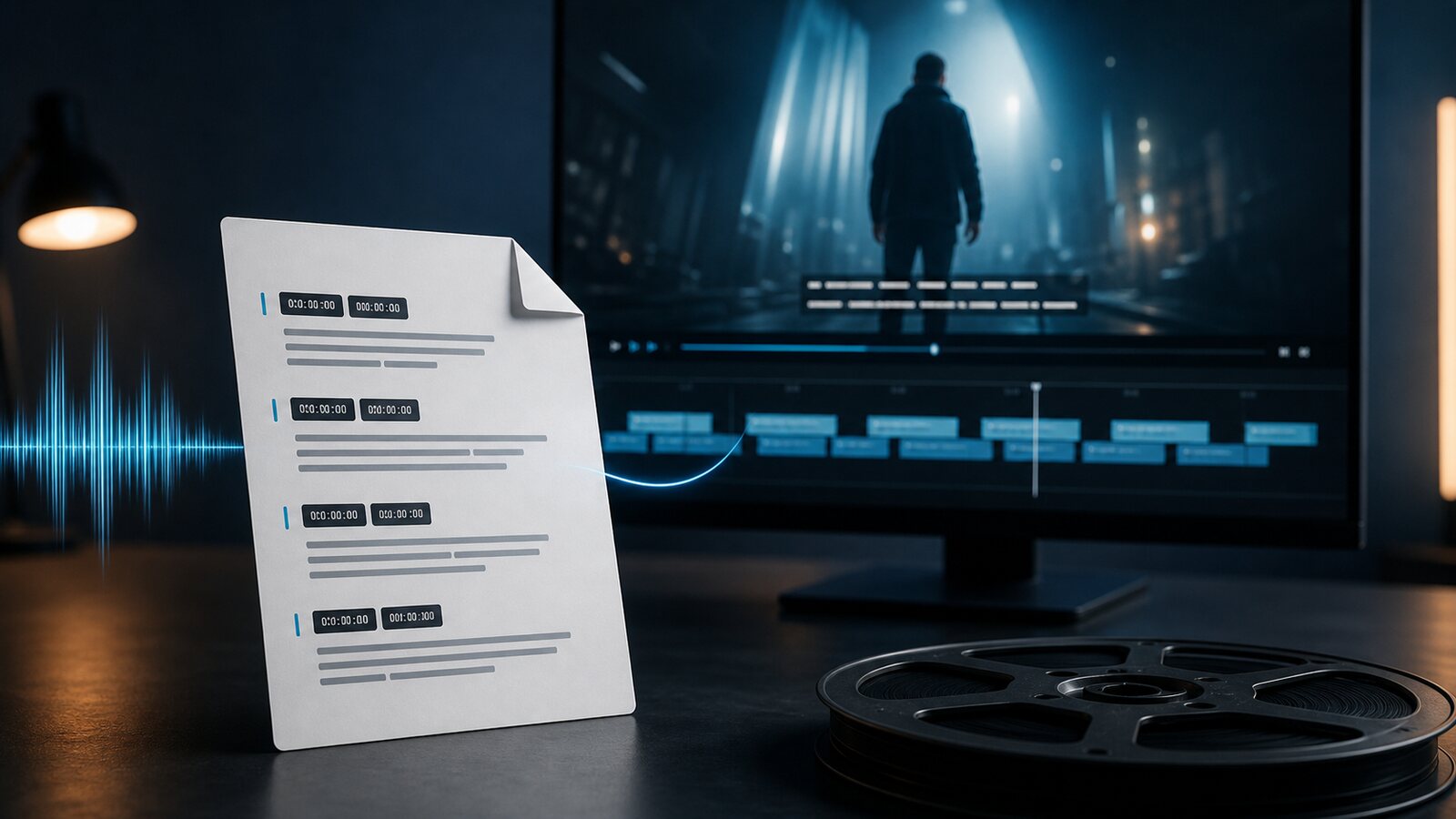
What is an SRT File? Everything You Need to Know
A complete guide to the SRT subtitle file format: what it is, how it works, and how to create and use SRT files for your videos.
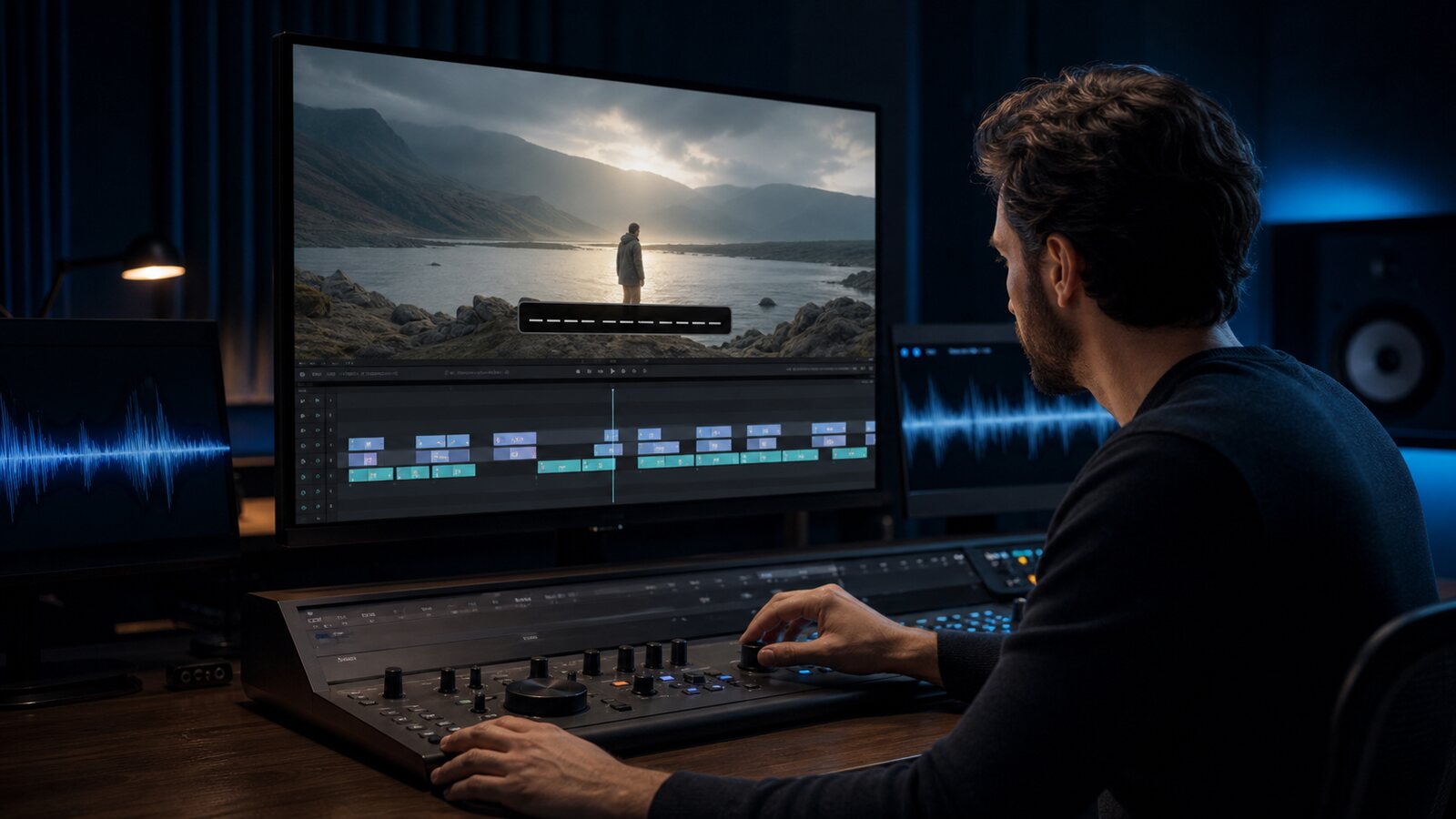
How to Edit SRT Files in Premiere Pro, DaVinci Resolve & CapCut
Learn how current Premiere, DaVinci Resolve, and CapCut workflows import and edit SRT files, with version-aware guidance for timing, styling, and export.
This article was drafted with AI assistance and reviewed by The Captain before publication.