Best AI Transcription Tools in 2026: Complete Comparison
Compare transcription workflows, exports, language coverage, and pricing links, then benchmark candidates with your own audio.
How Has AI Transcription Changed in 2026?
AI transcription can automate a useful first draft, but there is no universal accuracy percentage: results vary by model, language, domain, microphone, noise, and overlapping speech. This comparison focuses on workflow and publicly listed features. Test each candidate with representative audio before deciding.
The Tools We Compared
This is a feature comparison, not a controlled accuracy benchmark. Plan details were reviewed on 28 July 2026 from the providers' linked official pages and may change. Confirm current pricing, limits, language support, and data terms before purchasing.
| Tool | Starting Price | Languages | SRT Export | Typical Workflow |
|---|---|---|---|---|
| Captain Transcribe | Free (then from 2.99 EUR/mo) | 28 | Yes | Video creators, subtitles |
| Otter.ai | See official pricing | English, French, Spanish | Check plan | Meeting notes |
| Happy Scribe | See official pricing | 65+ | Yes | Professional media |
| Descript | See official pricing | 25 | Yes | Podcast/video editing |
| Rev | See official pricing | Plan-dependent | Yes | AI and human review options |
Otter.ai: Meeting-Notes Workflow
Otter.ai lists Zoom, Google Meet, and Microsoft Teams integrations, meeting capture, and speaker identification. Confirm which features are available for your plan and environment.
Features to evaluate: Meeting integrations, live transcription, and generated speaker labels.
Trade-offs to check: File-import allowances, export formats, meeting duration, supported languages, and team pricing vary by plan.
Happy Scribe: Multilingual and Human-Service Workflows
Happy Scribe lists more than 60 languages and offers automated and human-service workflows. Confirm current languages, service types, and terms in its documentation.
Features to evaluate: Language coverage, human-service options, editor, and collaboration.
Trade-offs to check: The free trial and paid plans have different export, duration, and collaboration limits; calculate cost from your actual monthly volume.
Descript: Text-Based Audio and Video Editing
Descript combines transcription with audio and video editing through a text-based interface. Compare that broader workflow with a transcription-only tool for your use case.
Features to evaluate: Editing, screen recording, filler-word removal, and audio processing, subject to the current plan.
Trade-offs to check: The full editing workflow can be more than a transcription-only user needs. Compare current system requirements, plan limits, languages, and results on your own audio.
Rev: AI and Human-Service Options
Rev offers AI and human-service options. For legal, medical, academic, or safety-related use, verify the contractual scope and maintain a qualified human-validation process.
Features to evaluate: AI and human services, scope, current price, and turnaround estimates published by Rev.
Captain Transcribe: Editable Transcription and Subtitle Export
Captain Transcribe focuses on editable transcription and subtitle-ready output. The platform supports 28 selectable languages and offers three subtitle styles — Standard, Short, and Word-by-word — designed for different content formats. Generated text and timing should be reviewed before publication.
Features to evaluate: Standard, Short, and Word-by-word segmentation, SRT/VTT export, text editor, and limited free tier.
Limitations: 28 selectable languages, no integrated video editor, and no human transcription option.
Our Recommendation
The right tool depends on your use case:
- If you are a video creator who needs SRT or VTT output, test Captain Transcribe with your own files and compare the review workflow and total price.
- If you need meeting transcription, compare Otter.ai's current language, import, meeting, and export limits with your workflow.
- If you need broad language coverage or human proofreading, evaluate Happy Scribe's current plans.
- If you want an integrated media editor, compare Descript's workflow and current total cost.
- If accuracy is safety- or legally critical, use a qualified human review process and confirm the provider's applicable certifications and contract terms.
Key Takeaways
- Accuracy is input- and model-dependent — run a documented benchmark on your own languages and recording conditions.
- Otter.ai focuses on meeting notes — with major meeting-platform integrations listed on its official pricing page.
- Happy Scribe lists broad language coverage — plus automated and human-service workflows.
- Descript combines transcription and media editing — compare its text-based workflow with your needs.
- Captain Transcribe provides three segmentation styles and SRT/VTT export — test the result and cost on a sample.
Related Articles
Related articles
SRT vs VTT: Which Subtitle Format Should You Use?
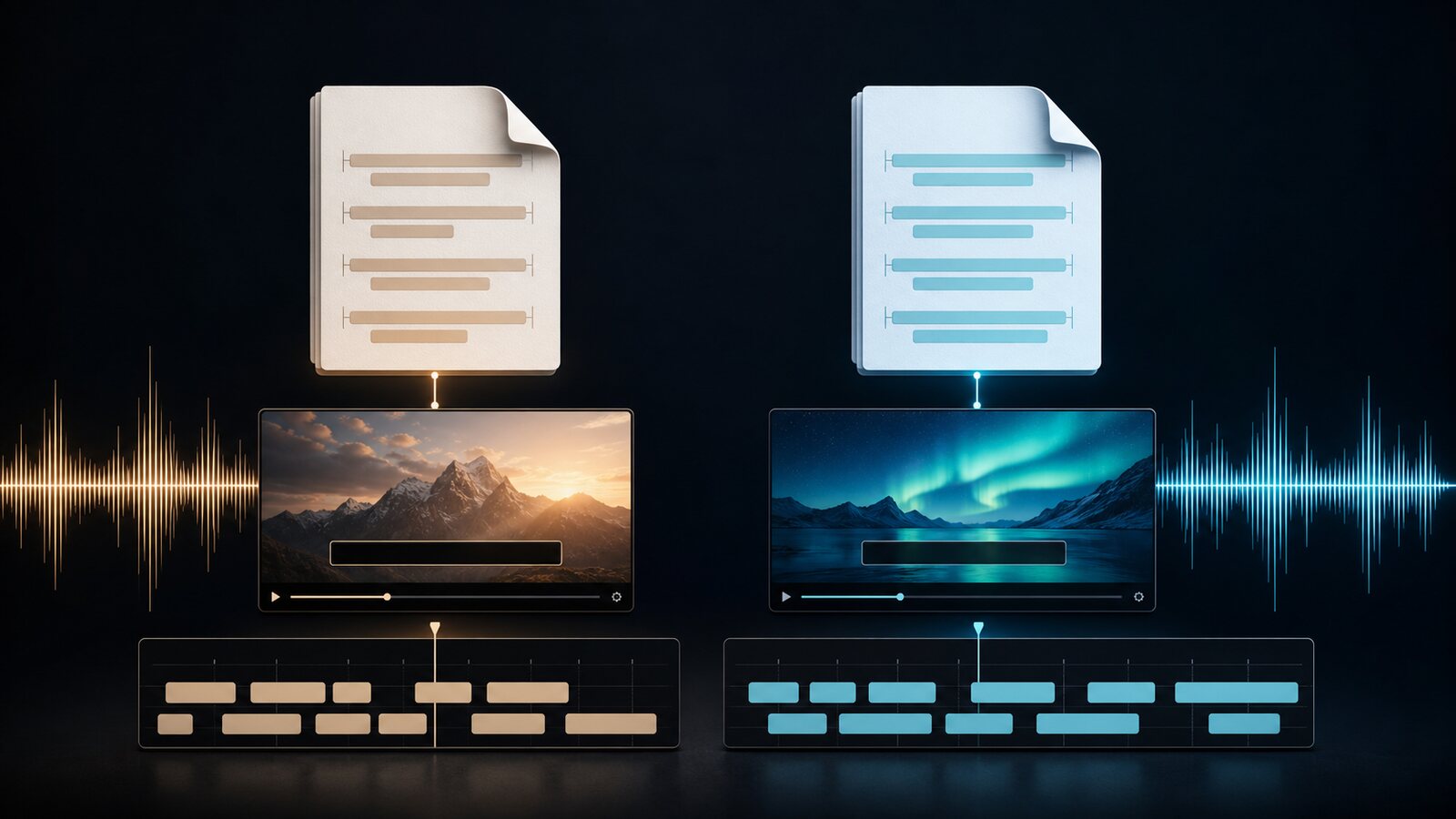
Compare SRT and WebVTT syntax, styling, and documented compatibility, then verify the current requirements of your player, editor, or publishing platform.
How to Transcribe a Podcast: Complete Guide 2026
Learn how to create, review, and publish an editable podcast transcript with clear format and privacy checks.
How to Add Subtitles to YouTube Videos: The Ultimate Guide
Learn how to create, review, and upload SRT or WebVTT captions through YouTube Studio.
This article was drafted with AI assistance and reviewed by The Captain before publication.