How to Transcribe a Podcast: Complete Guide 2026
Learn how to create, review, and publish an editable podcast transcript with clear format and privacy checks.
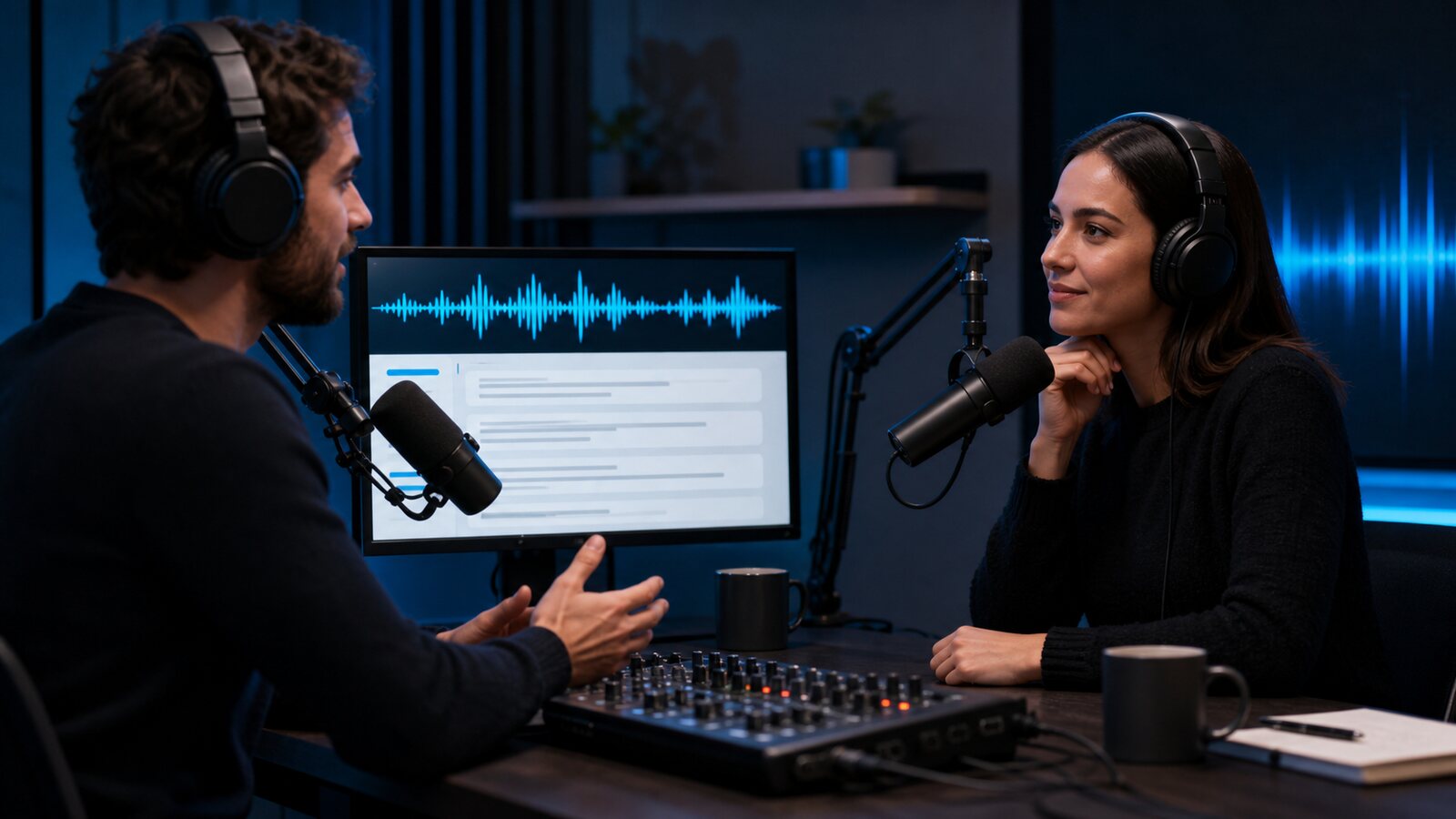
Why Should You Transcribe Your Podcast?
A reviewed transcript gives listeners a searchable text alternative alongside an interview, solo show, or narrative episode. It can also make quotation, navigation, and reuse easier.
Publishing text on a page lets search engines crawl that page, although ranking and traffic are never guaranteed. A transcript may also support accessibility, but an unreviewed speech-to-text draft is not automatically a compliant caption or accommodation.
You can adapt verified passages into show notes, articles, newsletters, or social posts when you hold the necessary rights. Recheck every quotation and preserve the original context.
What Is the Difference Between Manual and AI Podcast Transcription?
Manual transcription and professional human services require time and budget that vary with audio quality, language, turnaround, speaker count, and verification level.
AI-powered podcast transcription can automate a timed first draft. Processing time, cost, and editing effort depend on episode length, audio conditions, language, provider, and plan. Many transcription tools offer a limited allowance for evaluation.
AI can be practical for drafts, but it is not interchangeable with a verified human transcript. Review names, numbers, technical terms, speaker labels, and any passage that will be quoted or published.
How to Transcribe a Podcast with Captain Transcribe
Here is a step-by-step walkthrough for converting your podcast episodes to text using Captain Transcribe:
- Export your episode audio — Save it in a supported format such as MP3, WAV, or M4A and keep the file at or below 95 MB. Supported video files can also be uploaded.
- Upload to Captain Transcribe — Go to captaintranscribe.com and upload a supported file no larger than 95 MB.
- Select the language — Choose one of the 28 listed languages or automatic detection, then verify the detected language and output.
- Choose a subtitle style — Standard creates longer groups; Short creates groups of up to four words; Word-by-word creates individual timed cues. Preview the export that suits your workflow.
- Download your transcript — Once processing is complete, download the plain text transcript for your show notes or website. You can also grab an SRT file if you publish video podcasts on YouTube and want to add captions.
How Can You Get the Best Podcast Transcription Results?
AI transcription accuracy depends heavily on your audio quality. Here are practical tips to ensure your transcripts come out clean (see also our full guide on improving speech-to-text accuracy):
- Keep the speech signal clear — A microphone placed near the speaker generally captures less room noise than a distant laptop microphone.
- Record in a quiet space — Background noise, echo, and reverb all reduce transcription accuracy. A treated room or even a closet full of clothes will produce better results than an echoey office.
- Minimize crosstalk — When hosting interviews, try to avoid talking over your guest. Overlapping speech is the hardest scenario for any transcription system, human or AI.
- Speak clearly but naturally — You do not need to slow down or over-enunciate. Modern AI models handle natural conversational speech well. Just avoid mumbling or trailing off mid-sentence.
- Edit before transcribing — If you already edit your podcast for release, transcribe the edited version rather than the raw recording. Removed ums, long pauses, and false starts mean a cleaner transcript.
What Can You Do with Your Podcast Transcript?
Once you have your podcast transcript in hand, put it to work:
- Publish it on your website — A reviewed transcript can add searchable text and another way to access the episode; it does not guarantee traffic or legal accessibility compliance.
- Create blog content — Edit and restructure the transcript into a polished blog post. Add headings, remove filler, and you have a ready-made article.
- Pull social media quotes — Scan the transcript for compelling one-liners, statistics, or insights that work as social media posts or audiogram captions.
- Build a searchable archive — With transcripts for every episode, your audience can search for specific topics across your entire catalog.
- Add YouTube captions — If you publish video podcasts, review the SRT and upload it through YouTube Studio as a creator-provided caption track.
Start Transcribing Your Podcast Today
An AI tool can reduce manual timestamp entry, but processing time, editing effort, cost, and suitability vary. Treat the output as a draft and decide whether a human reviewer or accessibility specialist is required for the intended use.
Key Takeaways
- Published transcripts add crawlable text — search ranking and traffic remain dependent on many factors.
- AI transcription creates a first draft — processing time and review effort vary with the episode.
- Audio conditions affect the draft — microphone distance, noise, overlap, language, and terminology all matter.
- Transcripts unlock content repurposing — blog posts, social quotes, newsletters from one episode.
- Choose the correct source version — use the published edit when the transcript must match the released episode.
Related Articles
Related articles

How to Add Subtitles to YouTube Videos: The Ultimate Guide
Learn how to create, review, and upload SRT or WebVTT captions through YouTube Studio.
10 Tips to Get More Accurate Speech-to-Text Results
Practical tips to improve your transcription quality, from audio setup to AI tool settings.

7 Free Transcription Tools Compared: Which One is Best?
Compare seven transcription options by free allowance, workflow, exports, and limitations, then test them with your own audio.
This article was drafted with AI assistance and reviewed by The Captain before publication.