Transcription APIs with Evaluation Allowances in 2026: Developer Guide
Compare current evaluation allowances and workflows for Google, AssemblyAI, Deepgram, self-hosted Whisper, and Rev AI.
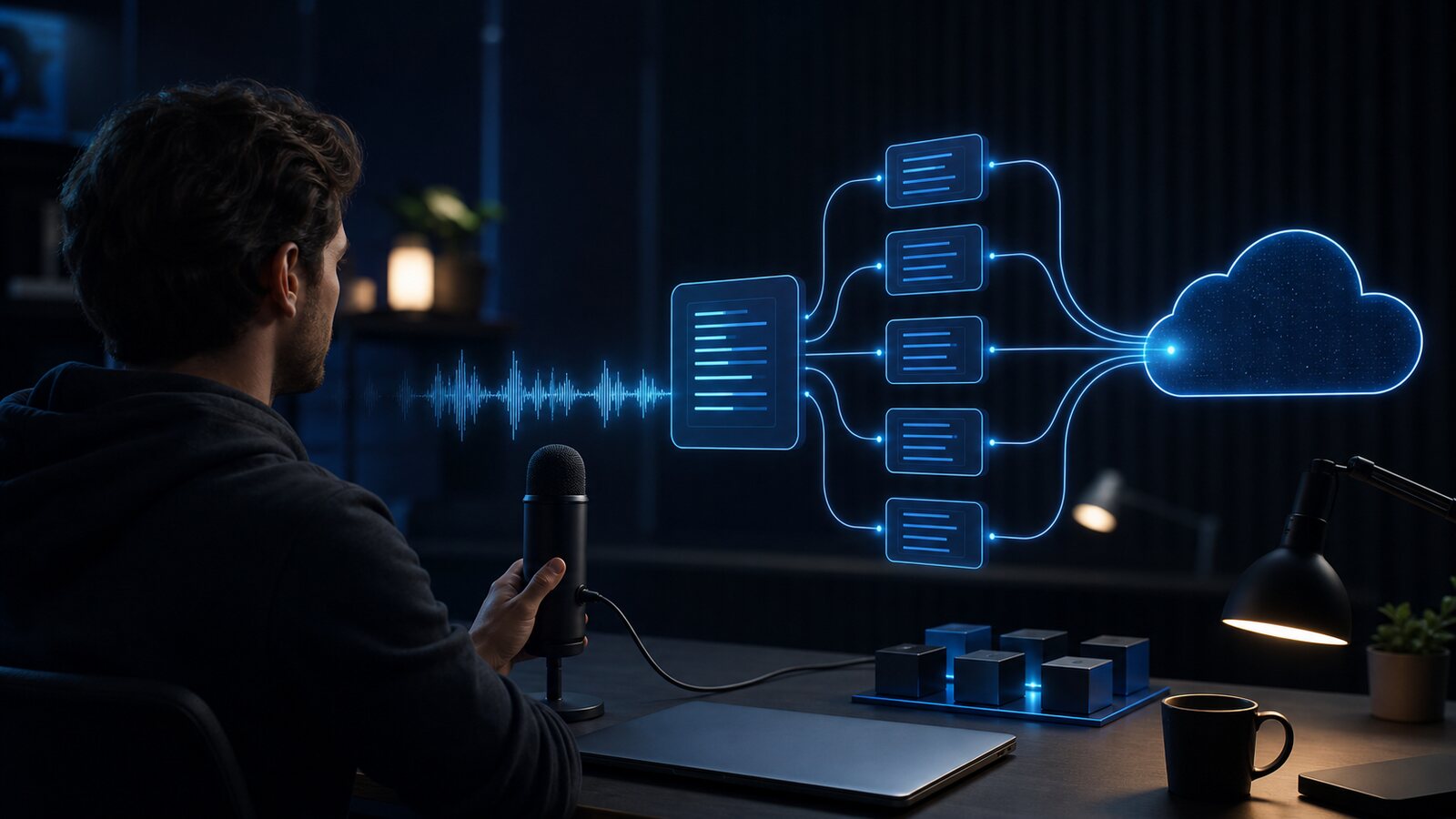
The right speech-to-text service depends on batch versus streaming use, languages, data location, retention, features, concurrency, and total cost. This snapshot was reviewed on 28 July 2026 from the providers' official pricing and documentation pages. It is not an accuracy or latency benchmark, and all commercial terms can change.
Why Use a Transcription API Instead of a Web Tool?
A transcription API is the right choice when transcription is a programmatic feature inside a larger product — not a standalone, one-off task. Typical use cases include:
- SaaS applications — You are building a meeting assistant, note-taking app, or video platform and need to transcribe user-uploaded audio automatically in the background.
- Automated pipelines — You need to process hundreds or thousands of audio files without human intervention: call center recordings, podcast archives, legal depositions, or customer support calls.
- Real-time captioning — You are building a live streaming tool or video conferencing feature that needs low-latency captions measured in milliseconds, not seconds.
- Custom integrations — You want transcription output piped directly into your database, CMS, search index, or analytics system without manually downloading files.
If you just need to transcribe individual files on demand, an API adds unnecessary complexity. A purpose-built web tool like Captain Transcribe handles upload, transcription, review, and SRT or VTT export without API credentials or billing code. Processing time varies with recording length, audio quality, and service load.
Five Transcription APIs to Evaluate
Use the table to shortlist candidates, then confirm every limit on the linked official page and test a representative, authorised dataset with a checked reference transcript.
| API | Free Tier | Languages | Real-Time | Example use case |
|---|---|---|---|---|
| Google Speech-to-Text | Some V1 SKUs: 60 min/month | Model-specific | Yes | Google Cloud integration |
| AssemblyAI | $50 trial credit | Model-specific; up to 99 | Yes | AI features, meeting intelligence |
| Deepgram | $200 credit on signup | 40+ | Yes | Real-time, high-volume production |
| Whisper (self-hosted) | No SaaS quota; you fund compute | Multilingual | No (batch only) | Self-managed batch processing |
| Rev.ai | 5 hours of Reverb credits | 58+ async; fewer streaming | Yes | Async, streaming, and human options |
Pricing changes frequently — always verify current rates and free tier limits on each provider's official pricing page before building production workflows.
Google Cloud Speech-to-Text: Version-Dependent Allowance
Google's official pricing page lists a 60-minute monthly no-charge band for specified Speech-to-Text V1 recognition SKUs. V2 uses different pricing, and rates depend on model, region, logging, and volume. Do not assume the allowance applies to every configuration.
Google publishes broad, model-specific language and telephony support. Confirm the exact recognizer, region, data-use setting, and language code you need, then test it; listing a language does not establish quality for your audio.
Evaluate for: Teams already using Google Cloud, or projects needing a particular Google model, region, or language.
AssemblyAI: Transcription and Speech Features
AssemblyAI's pricing page lists $50 in trial credits, pre-recorded and streaming access, model-dependent language coverage, and separately priced features such as speaker detection and key-term prompting. The exact model and add-ons change both capability and cost.
Review SDK support, concurrency, data residency, retention, and add-on billing in the current documentation. A convenient analysis feature is not a substitute for validating its output in your domain.
Evaluate for: Products that need transcription plus selected speech-understanding features in the same provider.
Deepgram: Batch and Streaming Options
Deepgram's pricing page lists $200 in new-account credit and model-specific rates for batch and streaming products. The number of hours those credits buy depends on the selected model, mode, options, and future pricing.
Deepgram offers real-time APIs and publishes concurrency limits. Measure end-to-end latency yourself—including network, buffering, endpointing, and application rendering—instead of relying on a provider superlative.
The caveat: after the initial credits are consumed, there is no recurring free tier. Deepgram is pay-as-you-go from that point forward. For low-volume applications that run intermittently, this is fine. For high-volume production with consistent monthly loads, budget accordingly from the start.
Evaluate for: Real-time voice apps, live captions, voice bots, and high-throughput batch pipelines.
OpenAI Whisper: Self-Hosted Batch Transcription
The Whisper repository provides code and model weights under its license. There is no hosted SaaS minute quota when you run it yourself, but compute, storage, monitoring, security, upgrades, and engineering are your responsibility and have real costs.
Runtime varies by model, hardware, audio, and implementation. A self-managed deployment can keep media inside infrastructure you control only if every storage, logging, backup, and observability path is configured accordingly.
Evaluate for: Teams prepared to operate and secure their own multilingual batch-transcription stack.
Rev.ai: Automated and Human-Service Options
Rev AI's pricing page lists credits equivalent to five hours of its Reverb model, multiple automated models, foreign-language options, and human transcription. Its documentation currently lists 58+ asynchronous languages and a smaller streaming set; features vary by language.
Use the credits to run a documented benchmark. For legal, medical, accessibility, or compliance uses, confirm the applicable contract, deployment region, security controls, human-review scope, and professional obligations rather than treating an ASR score as certification.
Evaluate for: Workflows that may combine automated APIs, streaming, and human-service options.
What to Evaluate Before Choosing a Transcription API
Free tier size is a starting point, not the full picture. These factors determine which API actually fits your production needs:
Test on Your Real Audio
Published benchmark numbers are measured on standardized test sets that rarely match real-world audio. Before committing to any provider, run your actual recordings — with your speakers, your environment, your technical vocabulary — through each API's free tier. A provider that leads benchmarks on clean studio recordings might trail on noisy phone calls or heavily accented speech from your user base.
Latency: Batch vs. Streaming
Batch transcription has different requirements from real-time streaming. For live captions or voice-driven interfaces, measure end-to-end latency, partial-result stability, endpointing, reconnect behaviour, concurrency, and regional network paths. For batch jobs, include queue time, throughput, retries, and cost.
Language Support
Check the exact model's supported-language list, region, and feature matrix, then test quality rather than availability alone. A listed language does not guarantee usable output on your dialect, domain, or recording conditions.
Features Beyond the Transcript
Speaker detection, word-level timestamps, punctuation, moderation, sentiment, and summarisation may be included, separately billed, model-specific, or unavailable. Build the cost comparison from the exact request options you will use.
Data Privacy and Compliance
If audio contains sensitive content, verify the provider's current retention, training, subprocessors, regions, transfer mechanism, encryption, deletion, incident process, and contractual certifications. Self-hosting can reduce third-party disclosure only when your complete storage, logging, backup, and monitoring architecture is controlled accordingly.
When to Skip the API and Use a Web Tool
A transcription API is the right tool when transcription is automated and programmatic. If any of the following are true, a web tool is the faster path:
- You transcribe files manually and on demand, not automatically via code
- Your team is non-technical and needs a simple upload interface
- You need subtitle files (SRT, VTT) in a specific format rather than raw JSON
- You are processing a handful of files, not building a recurring pipeline
In those cases, Captain Transcribe handles the workflow — upload, transcribe, review, and download SRT or VTT — without writing integration code. Processing time varies with the recording. For a comparison of web-based options, see our guide to free transcription tools.
Key Takeaways
- Google Cloud Speech-to-Text lists a 60-minute band for specified V1 SKUs; V2 and other configurations differ.
- AssemblyAI lists $50 in trial credits and model- or add-on-specific speech features.
- Deepgram lists $200 in initial credits and both batch and streaming products.
- Whisper self-hosting has no SaaS minute quota, but operation, compute, security, and storage are yours.
- Rev AI lists five hours of Reverb credits plus async, streaming, and human options.
- Always test on your real audio before committing — benchmark numbers rarely predict performance on your specific content type.
Related Articles
Related articles
How to Convert MP3, AAC, FLAC, WAV, and MP4 Files to VTT Subtitles
Learn how to convert supported audio and video formats into a WebVTT (.vtt) subtitle file, with recording and review tips.
How to Get Accurate Voice to Text Transcription with AI: Complete 2026 Guide
Learn how recording conditions, language settings, vocabulary hints, model choice, and human review can improve an AI transcription workflow.

VTT Transcription: How to Convert Audio and Video to WebVTT Format
Learn how to transcribe audio and video files directly to WebVTT (.vtt) format using AI tools, manual methods, or SRT conversion — with step-by-step instructions for every workflow.
This article was drafted with AI assistance and reviewed by The Captain before publication.