How to Get Accurate Voice to Text Transcription with AI: Complete 2026 Guide
Learn how recording conditions, language settings, vocabulary hints, model choice, and human review can improve an AI transcription workflow.
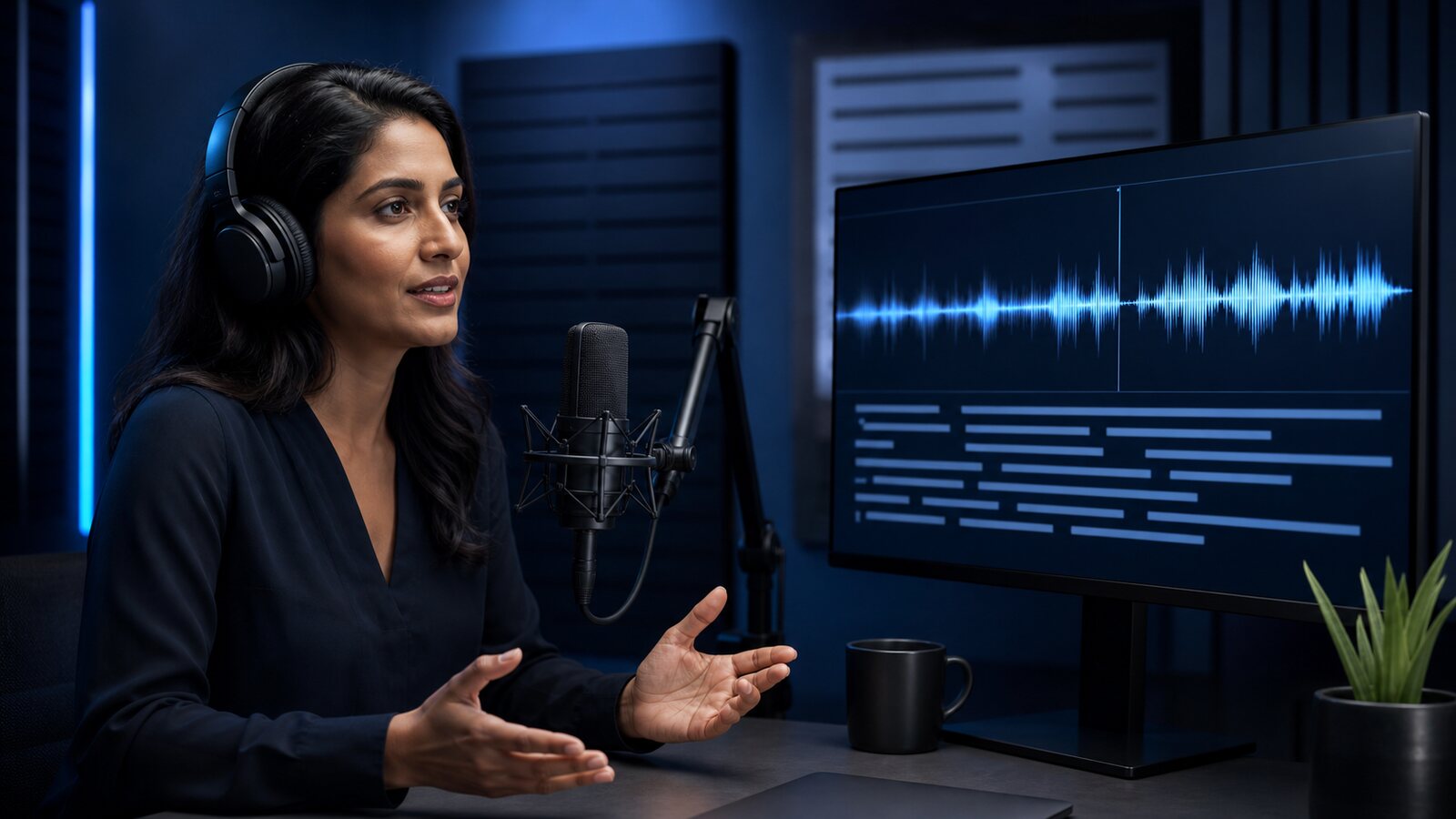
How Does AI Voice to Text Transcription Actually Work?
AI voice-to-text tools, also called automatic speech recognition (ASR), map an audio signal to candidate text and timings. Architectures vary: some use distinct acoustic, pronunciation, and language components, while modern systems can be trained end to end. The provider's model design is not exposed as a quality guarantee.
Contextual models can use surrounding words when the acoustic signal is ambiguous. That can help, but it can also produce plausible-looking mistakes. Tools such as Captain Transcribe therefore provide editable output that still needs review.
In practice, recording conditions, language and domain coverage, speaker behavior, model version, provider processing, and decoding settings can all affect the result.
Factors That Influence AI Transcription Accuracy
No four-factor formula determines accuracy, and not every factor is controllable. These are useful variables to inspect and benchmark on your own authorised audio:
- Signal conditions — Noise, reverberation, clipping, distance, channel layout, and compression can obscure speech; their impact varies by recording and model.
- Language and variety coverage — A listed language does not prove equal performance across accents, dialects, code-switching, or domains. Test the exact speech population.
- Domain terminology — Names, acronyms, numbers, and specialised terminology often require vocabulary hints and explicit review.
- Speaker behavior — Overlap, interruptions, pace, low volume, and speaker distance can affect recognition and diarisation.
- Model and service version — Providers can change models, preprocessing, and decoding. Re-run a fixed benchmark after material changes.
Step 1: Preserve and Inspect the Source Audio
Keep the original recording, then test any trimming or processing on a copy so you can compare the checked output.
Choose the Right File Format
PCM WAV and FLAC can preserve the encoded signal without lossy compression; MP3 and AAC are lossy, while M4A is a container. None of those labels predicts an error rate by itself:
- Keep the original: Avoid an extra lossy re-encode solely for transcription.
- Watch file size: Lossless files can exceed the current 95 MB account upload limit.
- Use a controlled copy: If a codec is not accepted or processing fails, convert a copy and retain the source.
- Supported video containers: Captain Transcribe extracts audio from MP4, AVI, MOV, MKV, and WEBM during processing.
Remove Non-Speech Audio Before Uploading
Long non-speech sections can produce empty or spurious output and consume duration quota. If context permits, trim a copy and compare it with the original.
Check for Clipping and Distortion
Clipping is nonlinear distortion and can remove signal information. Restoration may reduce audible damage but cannot guarantee recovery of the original waveform; compare a processed copy against a checked sample.
Step 2: Select the Correct Language — Every Time
A selected language or automatic-detection setting guides the service, although the internal implementation varies by provider. A mismatched language can degrade the result, so compare a short sample when uncertain.
Less obvious edge cases to watch for:
- Language varieties: Captain Transcribe exposes general language choices rather than separate regional variants. Do not assume uniform performance; benchmark representative speakers.
- Mixed-language content: Compare the dominant-language setting with automatic detection on a short sample. Neither guarantees correct code-switching.
Step 3: Use Custom Vocabulary for Domain-Specific Terms
A model may not reliably render your product names, guest surnames, or specialised acronyms. Plausible substitutions can be hard to notice without source comparison.
Custom vocabulary can bias supported providers toward specified spellings. Behavior differs by model and provider, so measure it on:
- Proper nouns: people names, place names, company names, brand names
- Technical acronyms: API, MVP, ROI, HIPAA, GDPR — the model knows the letters but may transcribe common-sounding acronyms as words
- Industry jargon: medical terminology, legal terms, financial instruments, scientific names
- Unusual spellings: product names with non-standard capitalization or spelling
In Captain Transcribe, add only relevant terms before starting, then verify whether they improved a checked sample. Vocabulary hints do not guarantee that a word will appear or be assigned to the right speaker.
Step 4: Review the AI Output Efficiently
Even the best AI voice-to-text tool will make some errors. The goal is not to eliminate review entirely — it is to make review fast and targeted. Here is how to review AI transcriptions without reading every word:
Scan for Proper Noun Errors First
AI transcription errors often cluster around proper nouns, technical terms, and numbers. Scan product names, people, dates, and figures first, then review the full transcript when accuracy matters. A spot-check is useful for triage, but it is not a substitute for complete review in high-stakes content.
Listen While Reading at 1.5x Speed
For critical content, listen while reading at a speed that still lets the reviewer detect omissions and substitutions. Captain Transcribe highlights the active timed segment; the Word-by-word style produces word-level cues. This aids navigation but does not replace expert review.
Use Find-and-Replace for Systematic Errors
If the AI consistently mistranscribes one term (for example, transcribing a guest's name as a common word it resembles), one Find-and-Replace operation corrects every instance simultaneously. This is far faster than manually fixing the same error 20 times across a 45-minute podcast transcript.
AI Voice to Text Accuracy by Use Case
Different content types have predictably different accuracy profiles with AI transcription tools. Understanding what to expect helps you plan your review time and decide when additional preparation is worth the effort.
Podcasts and Interviews
Controlled podcast recordings with close microphones generally give models a cleaner signal than room recordings. Guest names, company names, and niche vocabulary still require review. See our guide on how to transcribe a podcast for a complete workflow.
Meeting Recordings
Meeting audio is challenging for AI transcription because speakers sit at different distances from the microphone and may overlap. Background office noise adds further ambiguity. If meetings are your primary use case, consider speaker detection and ask participants to speak one at a time when the recording matters.
YouTube and Video Content
A single on-camera speaker with close, quiet audio is usually easier for a model than a noisy multi-speaker recording. The Standard subtitle style in Captain Transcribe segments the output into sentence-length captions; review the text and timing before uploading it to YouTube Studio. See our guide on adding subtitles to YouTube videos for the workflow.
Lectures and Educational Content
University lectures are highly variable. A clear lapel microphone in a quiet hall creates much better input than a distant room microphone with ventilation noise and student chatter. For tools suited to academic use, see our guide to transcription tools for students.
Legal and Medical Content
For legally or medically consequential content, treat AI output as an unverified draft. Use an authorised, qualified reviewer and the controls required by the relevant institution, profession, and jurisdiction. Vocabulary hints do not remove that requirement.
Common AI Voice to Text Problems and Their Fixes
| Problem | Likely Cause | Fix |
|---|---|---|
| Random words that make no sense | Wrong language selected | Re-transcribe with the correct language |
| Consistently wrong proper nouns | Term is ambiguous, rare, or not reliably rendered | Add to custom vocabulary before re-transcribing |
| Numbers and dates are wrong | Context-dependent ambiguity | Scan all numbers manually; use find-and-replace for patterns |
| Text trails off mid-sentence | Speaker trailed off in audio | Re-record or manually complete the sentence in the transcript |
| Speakers' words merged together | Overlapping speech in the recording | Prevent at source; use a tool with speaker diarization |
| High error rate across a checked sample | Possible noise, distortion, wrong language, or model mismatch | Check the source and settings; test preprocessing on a copy before re-uploading |
How to Measure Your AI Transcription Accuracy
If you need to track accuracy objectively — for quality benchmarking, comparing two tools, or verifying a batch of important transcripts — use the Word Error Rate (WER) metric. WER is the standard measure for speech recognition accuracy:
WER = (Substitutions + Deletions + Insertions) / Total words in reference
To calculate WER, create a carefully checked reference transcript, align it with the model output, and count substitutions, deletions, and insertions. Report the dataset, language, audio conditions, model version, settings, and sample size alongside the number. Note that “100 − WER” is only a shorthand and can even become negative because insertions can make WER exceed 100%; it is not a universal publication-readiness score.
Getting Started with AI Voice to Text Transcription
A repeatable transcription workflow can use these five habits:
- Preserve the source — Improve microphone placement and room conditions where possible, then retain the original file.
- Test the language setting — Compare explicit selection and automatic detection on representative speech when uncertain.
- Add relevant vocabulary hints — Include expected names and specialised terms, then measure whether they help.
- Review according to risk — Triage names and numbers, but compare every word and timing when accuracy is consequential.
- Verify export compatibility — Choose SRT or WebVTT only after checking the current destination requirements.
Captain Transcribe supports 28 selectable languages, automatic detection, vocabulary hints, synchronized segment playback, editable timings, and TXT/SRT/VTT exports. The current 10-minute monthly free allowance can be used to test a representative sample; it does not constitute a benchmark or quality guarantee.
Key Takeaways
- Many variables affect accuracy: signal, language, domain, speakers, model, and service processing.
- Language is an important setting — compare explicit selection and detection on a sample when uncertain.
- Custom vocabulary can help — measure it; it does not guarantee names or spellings.
- Review depth should follow risk — spot checks are insufficient for legally, medically, financially, or accessibility-critical content.
- Use a currently accepted destination format — verify SRT/WebVTT requirements and preview the imported result.
Related Articles
Related articles
VTT Transcription: How to Convert Audio and Video to WebVTT Format
Learn how to transcribe audio and video files directly to WebVTT (.vtt) format using AI tools, manual methods, or SRT conversion — with step-by-step instructions for every workflow.
What is a VTT File? Everything You Need to Know About WebVTT
A complete guide to the VTT (WebVTT) subtitle file format: what it is, how it works, how to create VTT files, and when to use VTT vs SRT for your videos.
How to Add Subtitles to TikTok Videos in 2026
Learn a reviewable workflow for adding subtitles to TikTok videos with an editable AI-generated draft.
This article was drafted with AI assistance and reviewed by The Captain before publication.